
If you run a service business, your website usually has one job: turn strangers into enquiries.
So why do so many GA4 setups still obsess over page views and “time on site”?
GA4 event tracking is where the truth lives.
If you can see which pages and campaigns create form submits, phone calls, and booked appointments, you can stop guessing and start improving what pays the bills.
Many businesses set this up across plenty of service sites, and the pattern is always the same.
Once the right events are tracked with clean names, reporting becomes simpler, ads get smarter, and follow-up gets faster.
The 3 GA4 events that matter most for service business lead flow
For service businesses, “conversion” usually means a person raised their hand.
In GA4, that hand-raise should be a key event.
The three actions below cover the bulk of service enquiries.
1) Form submit (contact form or quote request)
This is the classic website lead.
It’s also the easiest to mess up if you track button clicks instead of real submissions.
Track the moment the form is actually submitted (or the thank-you page loads), not the moment someone taps “Send”.
2) Call click (tap-to-call on mobile)
If your business gets phone leads, a “tel:” click is gold.
It often converts better than forms because it skips the waiting.
Track clicks on phone links, especially in the header, sticky buttons, and contact page.
3) Calendar book (appointment scheduled)
If you use a booking tool (Calendly, Acuity, Halaxy, etc.), this event is your closest thing to a “sale” on a service site.
Track the booking confirmation step, not just the calendar page view.
GA4 is built around events, and marking the right ones as key events is what makes reporting useful.
If you want a deeper read on how events and key events fit together, this walkthrough on event and conversion tracking in GA4 is a solid reference.
One more point that helps: these three events tie directly to revenue and pipeline.
That means they support your whole stack, from digital marketing to social media marketing, local SEO, web design decisions, lead generation systems, and even sales skills coaching for your team.
If you want more ideas on increasing enquiry volume once tracking is live, these lead generation strategies pair well with the event setup below.
A simple naming system for GA4 event tracking (that won’t turn into spaghetti)
Most tracking becomes a mess for one reason: everyone names events differently.
Here’s a naming system that stays readable, even after 6 months of tweaks and “quick” changes:
goal_action_detail
For service businesses, your goal is usually “generate_lead”.
Then the action tells you the method.
Examples that map cleanly to the three lead actions:
- generate_lead_form_submit
- generate_lead_call_click
- generate_lead_calendar_book
A few practical rules:
- Use lowercase and underscores only.
- Start with the outcome (for service sites, it’s usually
generate_lead). - Keep it literal. If it happened, name it.
- Don’t create ten versions of the same event. Add detail as parameters instead.
If you prefer sticking closer to Google’s recommended naming, you can still log generate_lead as the event and pass a parameter like lead_method=form_submit.
Others still like the explicit event names above because they’re easy to scan in reports and hard to misread in meetings.
Want your tracking to connect back to real business decisions?
A clean event system works best when it sits inside a clear plan, this breakdown of why you need a digital marketing plan is a good reminder of how measurement and actions should line up.
How to set up the 3 lead events (form submit, call click, calendar book)
Form submit event (track the real submission)
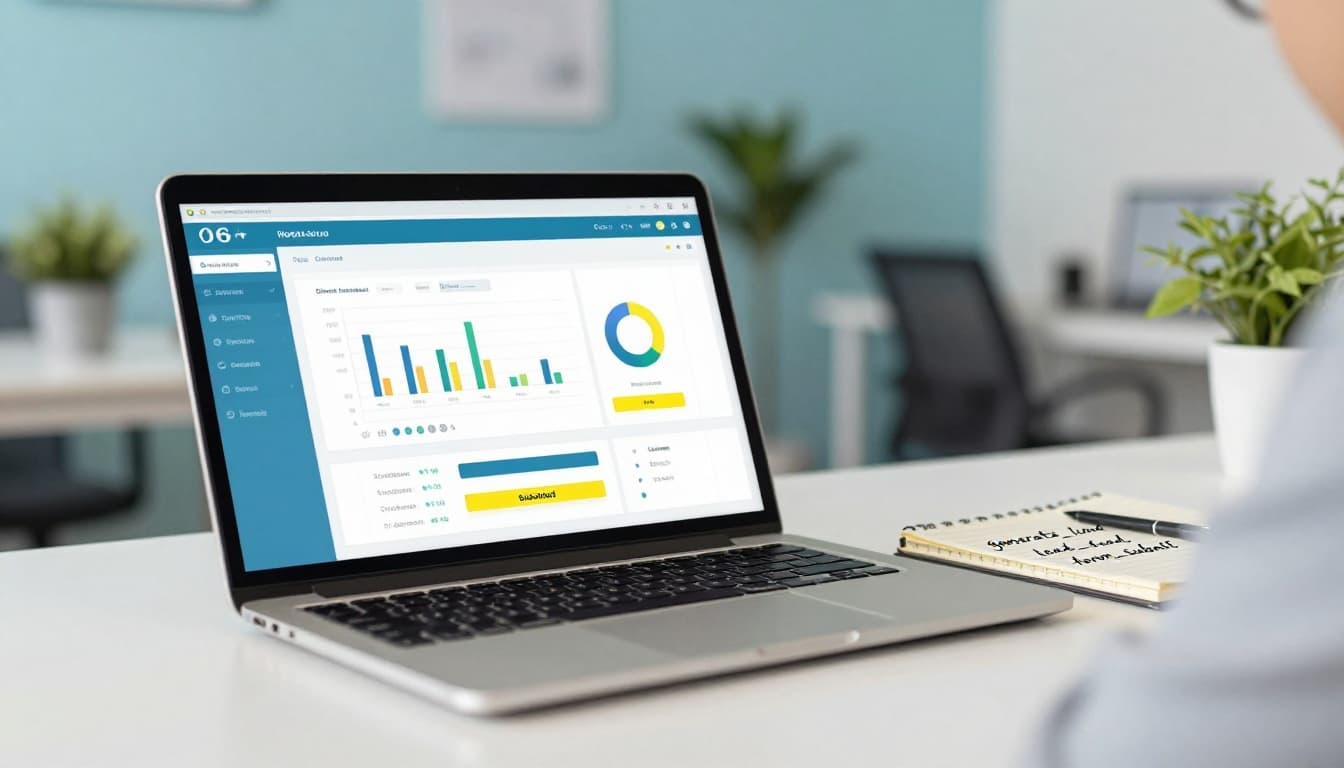
The best trigger depends on how your form works.
A reliable setup path:
- Best option: fire the event on the thank-you page view (or success state) after submit.
- Next best: fire on a form submit listener (GTM “Form Submission” trigger), then verify it only fires once.
- Add parameters that help you later, like
form_name,form_id,page_path.
Quick QA: submit the form yourself, then check GA4 Realtime (or DebugView) to confirm you see generate_lead_form_submit once per test.
Call click event (track tel: link taps)
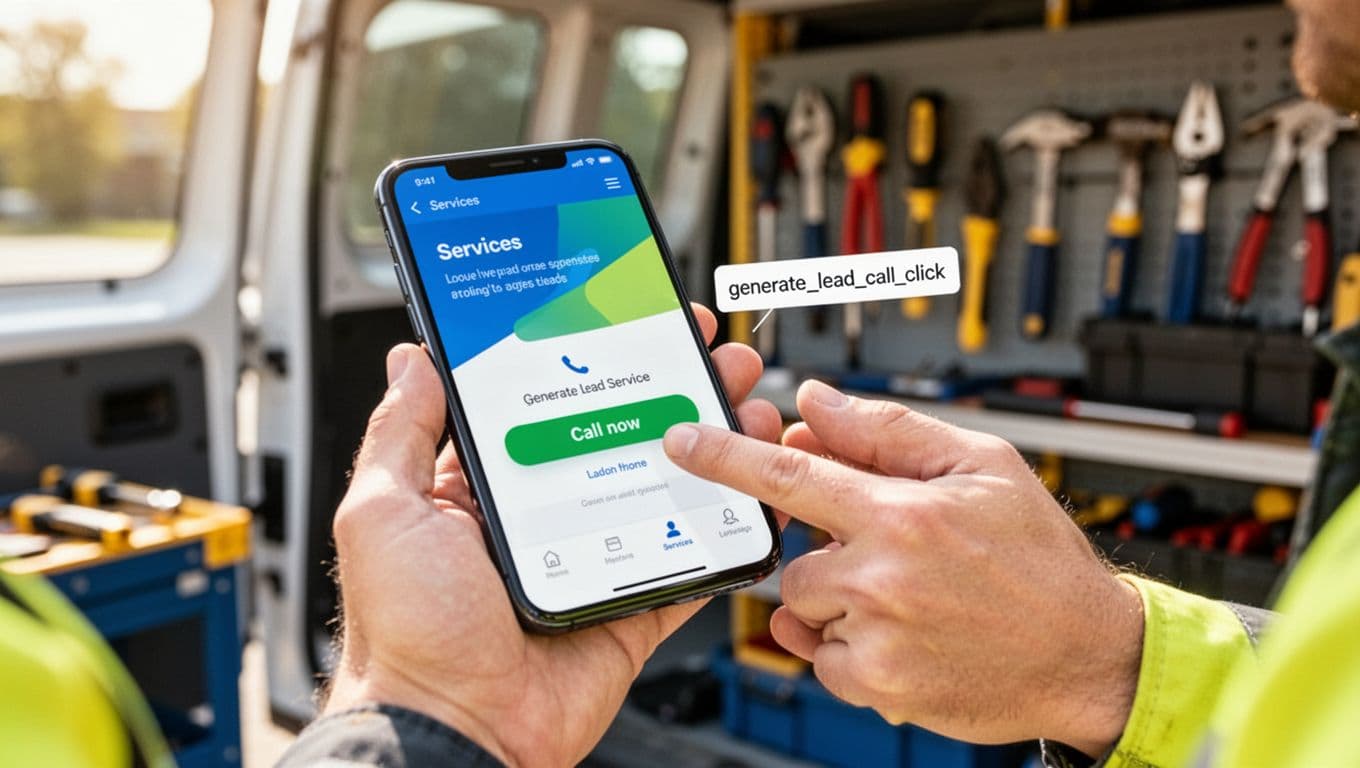
This is usually a GTM click trigger:
- Trigger on Link Click where the URL starts with
tel:. - Send GA4 event
generate_lead_call_click. - Pass a couple of helpful parameters:
click_location(header, footer, sticky), andpage_path.
Tip: don’t track every click on the word “call”. Track only true tel: clicks, otherwise you’ll inflate results.
Calendar booking event (track the confirmed booking)
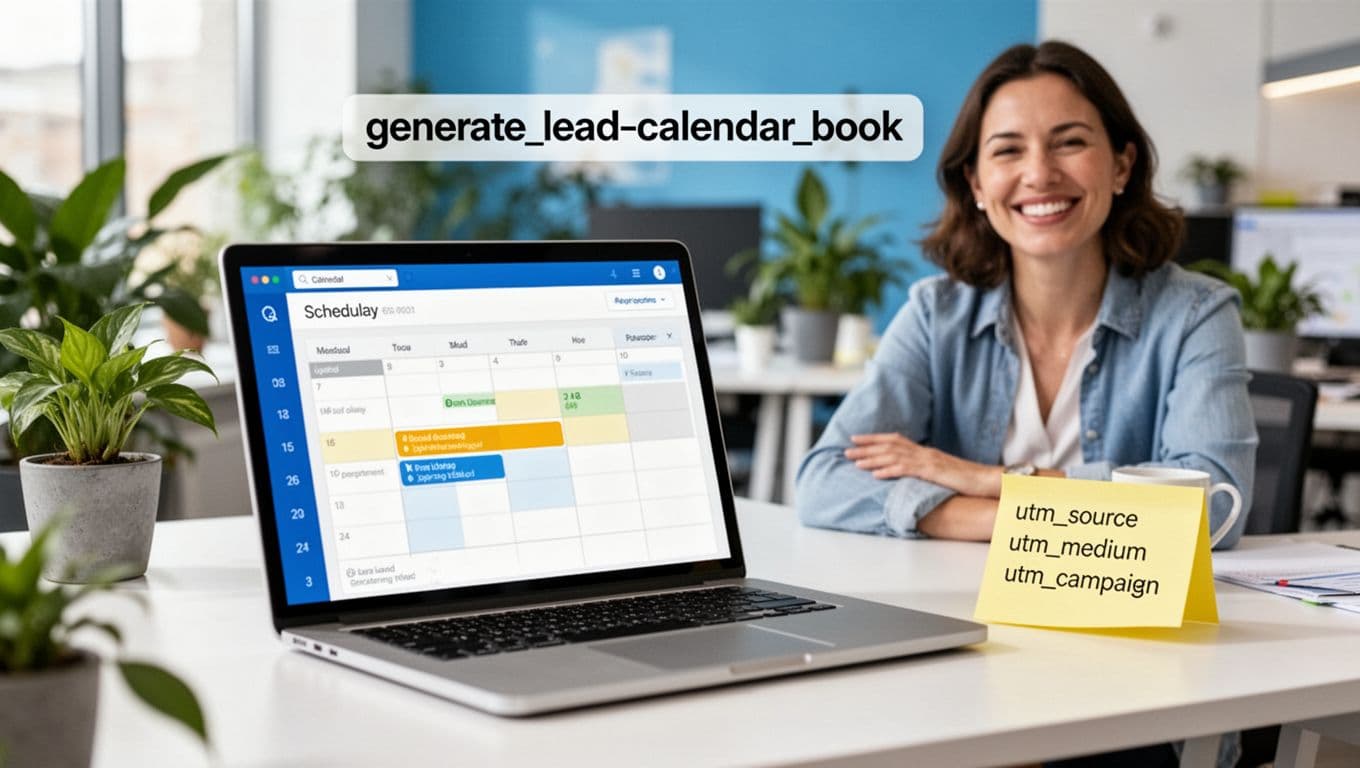
Bookings can be tricky because many tools load in an embed. Your goal is simple: track the moment the booking is confirmed.
Common ways to do it:
- If the tool redirects to a confirmation URL, trigger on that page view and fire
generate_lead_calendar_book. - If it’s embedded, you may need a tool-specific method, or listen for a success message event.
If you use Calendly, this guide on tracking Calendly bookings with GTM and GA4 is a practical walkthrough.
Once these events are firing, mark all three as key events in GA4 so they show up clearly in reports.
Templates you can copy and use straight away
Template: GA4 event map
Use this as your one-page source of truth. Keep it in a doc or sheet that your marketer, developer, and business owner can all read.
- Business goal: (Example: Generate qualified enquiries)
- Property: (GA4 property name)
- Primary events to track:
- Event name: generate_lead_form_submit
Trigger: thank-you page view or validated form submit
Key event: Yes
Parameters: form_name, form_id, page_path
Notes: exclude spam forms, fire once - Event name: generate_lead_call_click
Trigger: link click where href starts with tel:
Key event: Yes
Parameters: click_location, page_path
Notes: track header and sticky call buttons - Event name: generate_lead_calendar_book
Trigger: booking confirmation page or embed success
Key event: Yes
Parameters: booking_tool, page_path
Notes: confirm it works on mobile too
- Event name: generate_lead_form_submit
- Owner: (who maintains this)
- QA cadence: (Example: monthly spot-check, plus after site updates)
Template: UTM builder sheet
UTMs are your “return address” for traffic.
Without them, you’ll keep seeing buckets like “Direct” and wonder what actually worked.
Set a strict naming style and stick to it:
- utm_source: where it came from (facebook, instagram, newsletter, google, partnername)
- utm_medium: type of traffic (paid_social, organic_social, email, cpc, referral)
- utm_campaign: the offer or push (winter_special, free_quote, recall_campaign)
- utm_content (optional): creative or placement (video_a, carousel_1, header_button)
- utm_term (optional): keyword (hot_water_repair)
Example UTM (plain English):
facebook + paid_social + winter_special + video_a
Use the same campaign names across platforms so GA4 reporting stays tidy.
Final takeaways for GA4 event tracking that leads to more enquiries
Track the three actions that map to revenue, name them clearly, and mark them as key events.
That’s the foundation.
Once that’s live, you’ll finally be able to answer the questions that matter, like which pages create calls, and which campaigns drive booked jobs.
GA4 event tracking isn’t about more data, it’s about cleaner decisions.